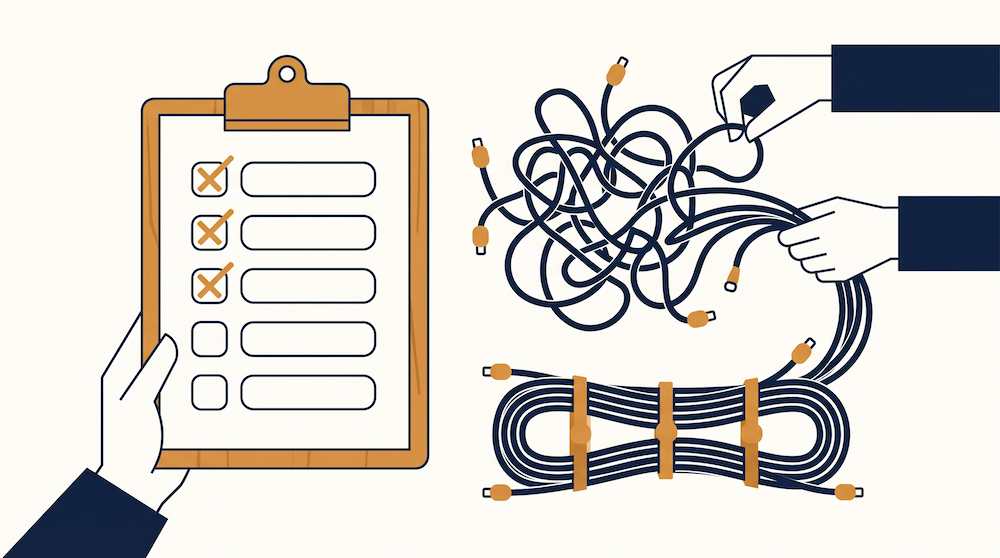
Our partner conversations with Apollo, lemlist, etc. were getting logged next to cold outbound in HubSpot, and some of it wasn't logged anywhere. Follow-ups only happened when one of us remembered and stalled when they didn't. Nobody decided that on purpose, we just had the initial partner contacts living where the prospect contacts lived, got worked through stages built for leads, and managed relationships by slacking "who;s following up?"
Some context on why that stings: we're a small boutique agency, and we support whatever stack a client already runs, (HubSpot, Clay, Salesloft, Apollo, Salesforce, Unify, whatever it might be), so we lean on partners everywhere we can, whether that's for intros, co-marketing, or product questions. Partner relationships do a lot of the work a bigger agency would throw headcount at so losing track of them was the last thing we could afford.
Where partner follow-ups fall through
A partner relationship runs on check-ins, co-marketing asks, referral tracking, and renewal conversations that have nothing to do with closing a sale. A pipeline built for closing deals is fine at what it's built for, but couldn't fit within our partner workflow.
And honestly, if your partner list is 4 or 5 companies, tracking it in your head probably feels fine, and it was for us, right up until the list grew or the person in charge of partnerships took a week off.
What we set up
We built a second pipeline in HubSpot just for partners, separate from the prospect pipeline, to track every partner conversation, email thread, and "let's reconnect next quarter" on the partner record, where everyone can see it.
HubSpot could always do this (most CRMs can). The change for us was deciding partner relationships get their own stages, their own follow-up cadence, and one clear owner. The logging discipline is the annoying part, and we still miss the informal stuff sometimes like a Slack huddle that was half catch-up and half referral talk. That said, for us a missed Slack log was a smaller problem than a partner motion running on memory.
How to build your partner workflow
- Pull partners out of your general CRM view and give them their own pipeline, even if it's just 3 stages (introduced, active, dormant),
- Log every partner touchpoint there, emails, calls, Slack threads with their team, so nothing sits on the account's sales record
- Give each partner relationship one owner; shared ownership is how follow-ups fall through
- Review it on its own cadence, separate from your sales pipeline review, since partners move slower than deals and a weekly sales-cycle review will make the pipeline look empty when it's not
- Add a partner type property (referral, co-marketing, tech/integration); a tech partner and a referral partner need different cadences and different asks, so a generic follow-up fits neither
- Build a workflow that creates a task when a partner record has no activity for 60 days, which turns the staleness check from something you remember to run into a system that runs for you
- Put a "referred by partner" property on deals and associate them to the partner record, so you can report revenue sourced per partner. This is the number that justifies the time partner upkeep takes
Why it's worth doing
A partner who refers you 2 deals this quarter might refer you 10 next year, but only if someone kept the relationship warm in between. The in-between period is where our tracking initially fell apart.
The test we run now is simple: pull up which partners we haven't talked to in awhile. If that takes more than a minute or can only be answered over a Slack thread or weekly call, then the tracking is still living in people's heads. The workflow's job is surface and track the right information so we can prevent the relationships from going quiet while also focusing on outbound sales and project execution.